Work · Case study
Building one sign-in for a whole campus
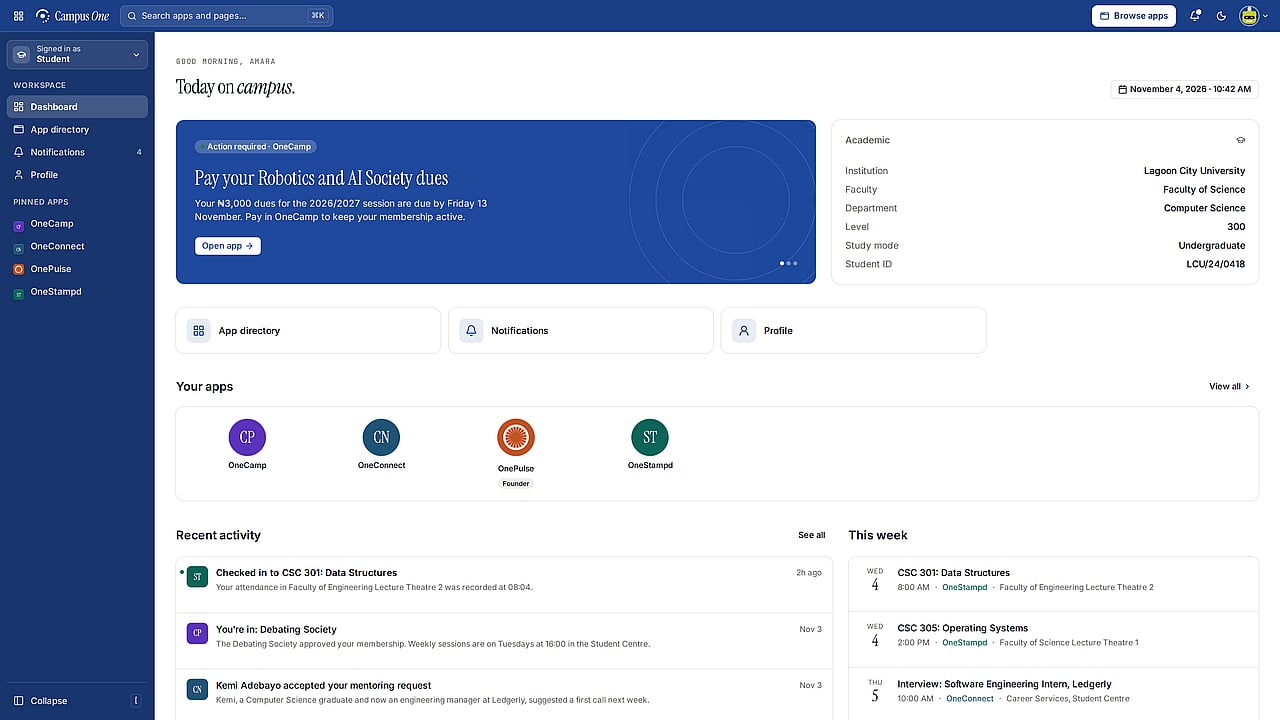
Campus One gives every student and member of staff one account across a family of apps, and connects to the records a university already keeps, without anyone handing over its database. We design, build and run it.
01
The problem
Campus One started out at Nile University of Nigeria.
A university runs many services, and each one tends to ask students and staff to sign in and fill in their details again. Connecting them usually means giving someone else access to the institution’s records, which most institutions rightly won’t do.
02
The constraints
Records stay where they are
Universities already run student and staff records systems, on their own servers or in their own cloud. Campus One had to work with them, not replace them.
The institution decides what leaves
Each institution has to choose exactly which details are shared, and be able to stop sharing them.
Campus conditions
Busy doors, phones on weak signal, and many kinds of user: students, staff, event coordinators, alumni and employers.
03
The decisions
An agent that only connects outwards
A small agent runs beside the institution’s records and connects out on port 443. Nothing on the campus network listens for us, and the institution chooses which fields to share.
One identity for each institution
Each institution gets its own signing keys. Connected apps receive identity tokens, never database access, and when the records stop listing someone, their access ends everywhere.
One design system for every app
The apps share one design system and shell, so they feel related, while each keeps its own colour and density.
Built for weak signal
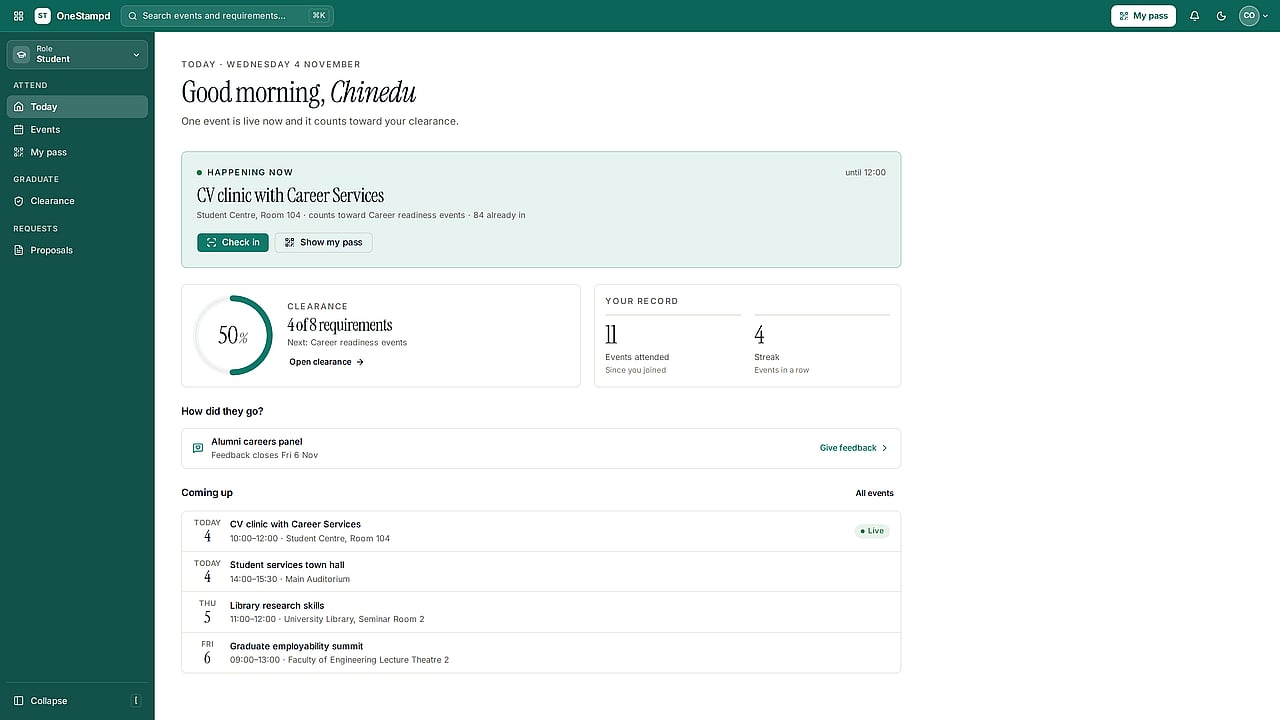
Check-in passes work offline and actions wait in a queue until the connection returns, with honest error states when something fails.
04
The product
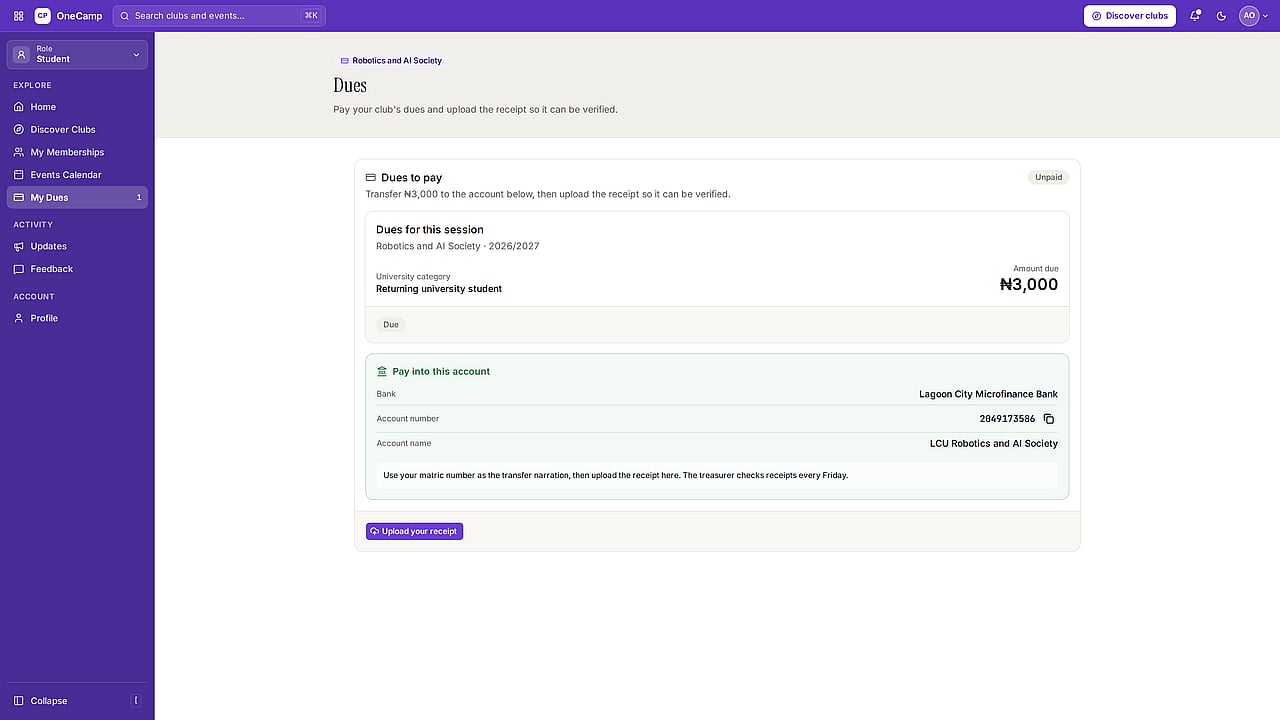
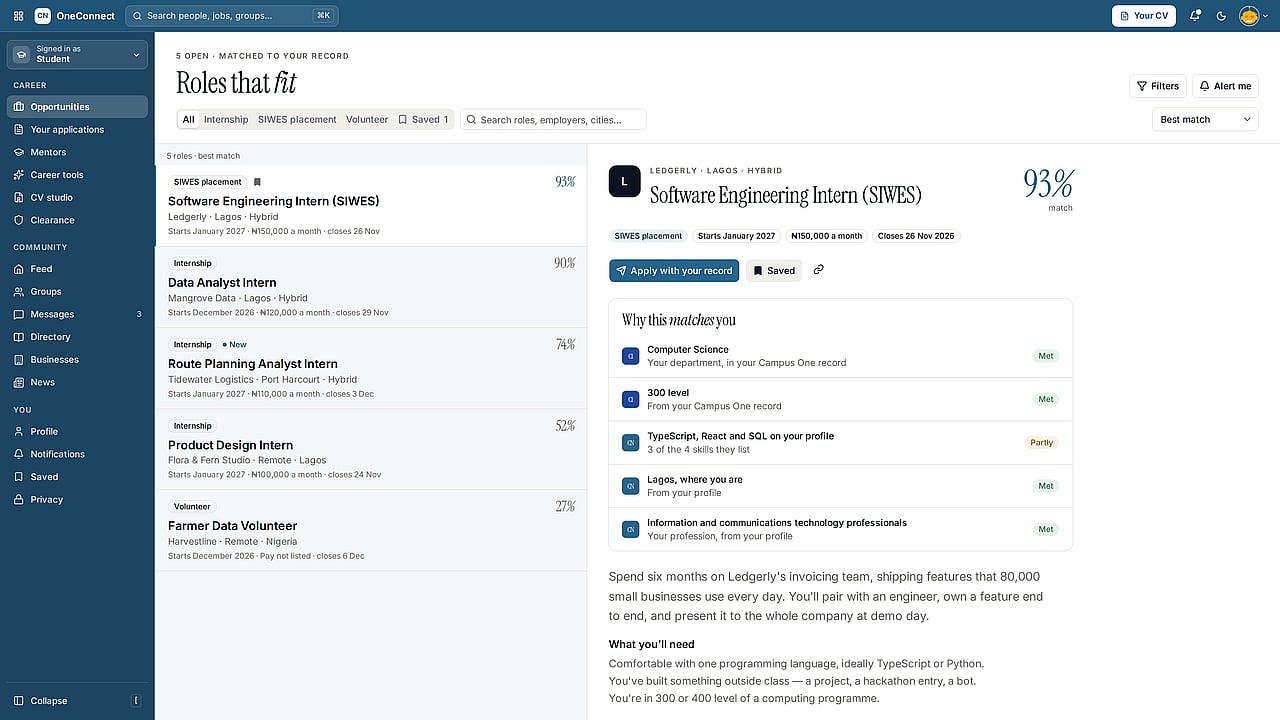
One account opens the whole family. Each app does one job.
05
How it works
Names, programmes and levels come from the institution’s records, so nobody fills them in twice. The directory syncs every five minutes, with a full reconcile each night, and query results are encrypted with the institution’s own key before they leave its network.
The institution’s network
Outbound only, port 443, chosen fields
Campus One
Identity tokens, never database access
The apps
06
Where it is today
Campus One and its apps run at campusone.com.ng, and OneStampd already checks students in at student services events.